

Custom Development
Alcohol Delivery Market Share and Trends: Size, Growth, & Business Opportunities
7 Apr 2026
Do you want to build a website? Are you considering using WooCommerce for it? Do you want to launch a tool that helps people build websites but does not know how to generate revenue for thriving your business?
Though the WooCommerce plugin is free, there are numerous associated costs involved that users might not see at first. Now, you might wonder why you should know about it. If you are a business owner who wants to develop a site, you should know all the hidden costs of website development that the WooCommerce Revenue model causes.
If you are to launch plugins like WooCommerce, you should know how to generate revenue, which you can do by studying the WooCommerce Revenue Model.
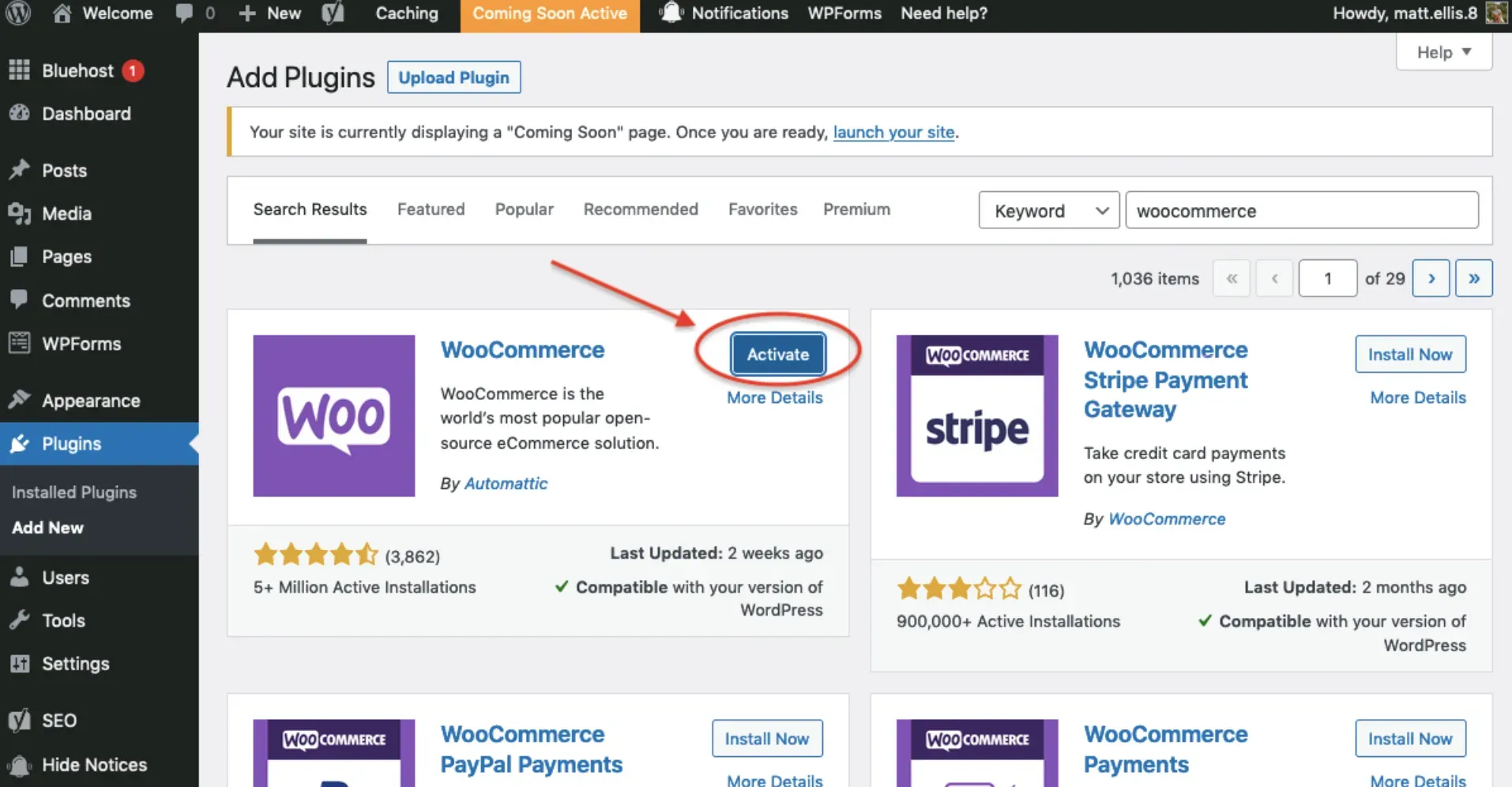
WooCommerce is a plugin, designed for WordPress-powered websites. It allows users to add e-commerce functionalities to their WordPress-powered websites. WooCommerce achieves this by integrating with their website, thus turning websites into fully functional WordPress eCommerce websites. The WooCommerce platform is suitable for those who want to launch their online stores.
Mile Jolley and James Koster, 2011, developed WooCommerce before Automatic acquired it in 2015. At present, Automatic is WooCommerce's active developer.
To date, over 27 million WooCommerce downloads have happened. And over 99% of WordPress stores are powered by WooCommerce. Numerous helpful features like order tracking, customer engagement, delivery status updates, and inventory management are added to your website using the WooCommerce plugin.
As said before, WooCommerce is a free plugin. Its use is to convert a WordPress website into an eCommerce store of your desire. It is compatible with your WordPress website and lets you add features like a shopping cart, checkout options, etc. Your data is in safe hands, and you are in charge of data 24/7. With a third-party platform, you can lose data if they close.
Now is time to read The Revenue Model of WooCommerce | A complete guide; in other words, we are about to read how WooCommerce makes money/ generates revenue. The thing is that there are numerous hidden costs associated with this free WooCommerce plugin.
The revenue model of WooCommerce involves generating money through hosting and domain fees. WooCommerce recommends hosts like SiteGround, Bluehost, and Pressable. Hosting can cost as little as $3.95 per month and as high as $5,000. Most hosts give an initial free or low-cost period, with discounts when users buy hosting services for two or more years.
The next step is registering a domain or site name, which like hosting, often comes at a low introductory price that rises over time, with discounts when users buy multiple years of service. You should know that you could pay about $15 per year for each domain name you use.
So far, we know the following:
Hosting costs include $120 per year (average)
Domain registration is $15 on average but could be much more expensive if purchasing a domain from a private seller.
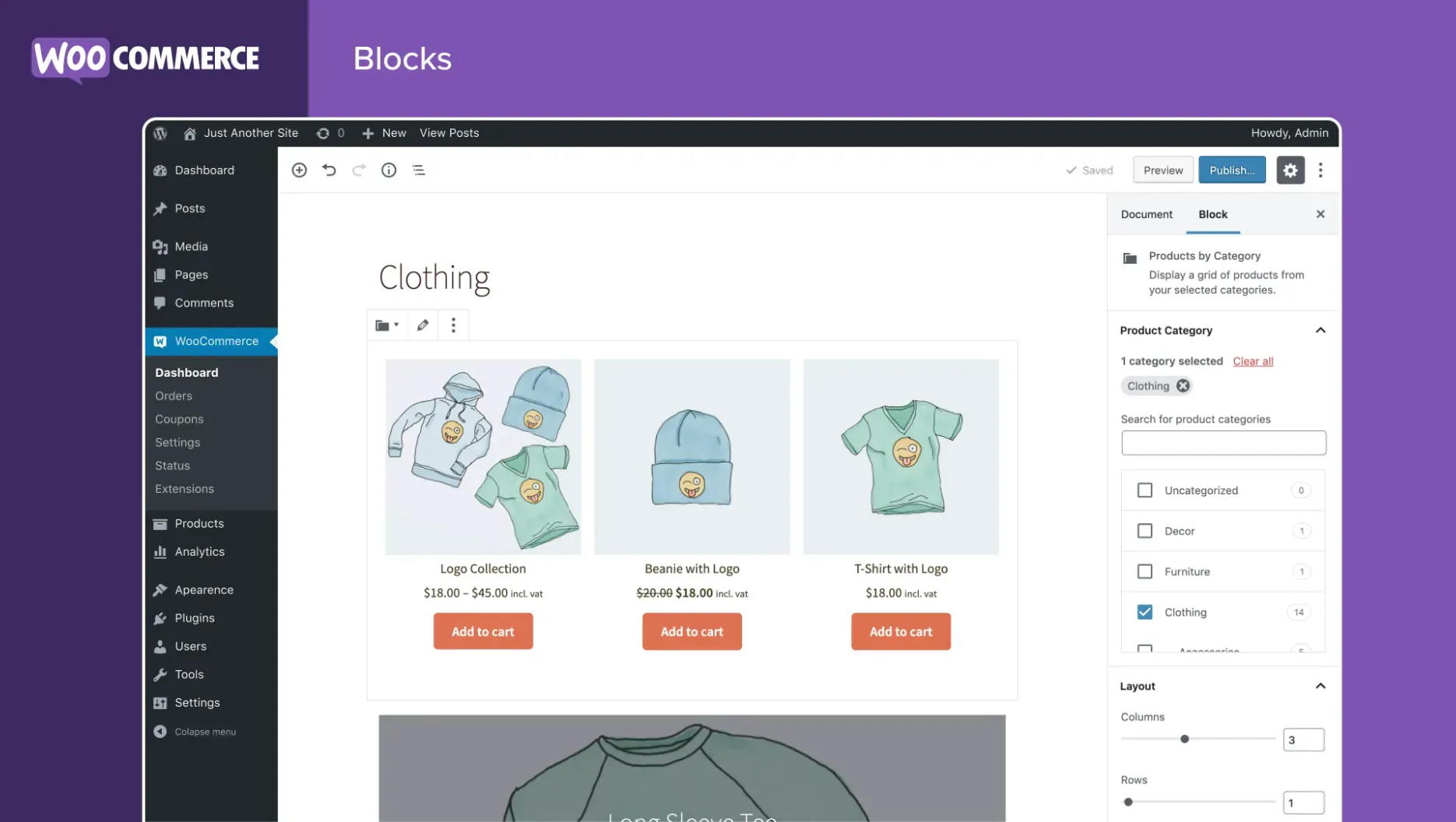
Several new eCommerce businesses start with WooCommerce's official Storefront theme, an intuitive and flexible free WordPress theme providing deep integration with WooCommerce.
There are numerous good reasons to buy a website theme from a WooCommerce developer instead of using a free one. Paid WordPress and WooCommerce theme costs vary from $20 to $100 per year.
The revenue model of WooCommerce also uses shipping to generate revenue. WooCommerce has flat-rate shipping, free shipping, or local pickup options. Numerous small businesses usually need these two choices.
The shipping extension, which WooCommerce offers, is a free option that connects to USPS and lets users print shipping labels right from their WordPress dashboard and save money at the same time.
If users need more advanced choices, they can select the following shipping extensions:
Payment gateways let users safely and securely accept payments online. The cost and structure of each payment gateway differ, and WooCommerce happens to integrate with all the major options.
The best option for users is to use WooCommerce Payments, which lets users manage payments directly in their WooCommerce Dashboard.
WooCommerce Payments require no setup charge and no monthly fees, while Users need to pay 2.9% + $0.30 for each transaction made( U.S.-issued credit or debit cards). There is an additional 1% fee for cards issued outside the U.S.
Users can also use PayPal; with a basic Paypal account, they do not need to pay a monthly fee but pay 2.9% + 0.30 cents per sale to Paypal. It directs your customers to Paypal's site, where they pay with their account or credit card.
If you want to take credit card payments directly on your site, you need to upgrade to Paypal Pro, which commands an additional $30.00 per month. Other options comprise Stripe (2.9% and 0.30 cents per transaction with no additional fees) and Authorize.net (2.9% and 0.30 cents per transaction + $25/month.)
In a nutshell,
Shipping costs equal to $0 – $108 per year on average
Payment gateway costs can reach 2.9% + .30 cents per sale plus a monthly fee of $0 – $30 per month on average
The revenue model of WooCommerce also involves the following costs:
Understand what is Communications, SEO and security & SSL Certificates.
It comes under additional spending, and you can do the following:
The cost of extending your WooCommerce store also plays an integral factor in the revenue model of WooCommerce. We lay the price below:
Creating an eCommerce store may be a gratifying process if you know what you're doing. It can be a roller coaster journey for you, from establishing your eCommerce business to making your first sale. The best part is that the WooCommerce plugin might be the most effective tool for turning your website into a shopping paradise.
But what happens when your internet store reaches a snag? When your store's growth comes to a standstill since sales are no longer increasing. There are some successful strategies to enhance the sales of your WooCommerce store, even if you haven't noticed them yet.
We'll reveal our well-thought-out and tried-and-true strategies and tactics for increasing revenue in your WooCommerce store. So let's get started:
When developing product descriptions, sales pages, or marketing in general, it's critical to sell your items based on how they can help the end-user.
Many business entrepreneurs make the mistake of just describing their goods. However, they neglect that they can define every identical product in the same way. Instead, highlight how the product will benefit the customers, and you'll be more likely to persuade them to buy.
Multichannel selling is an excellent way to increase the average order value and revenue from your WooCommerce store.
Cross-selling is a sales approach that encourages customers to acquire a product or service that is related or complementary to what they've already purchased. For example, you might suggest that a customer buy shoe polish along with a new pair of shoes or batteries for a new toy.
It may seem self-evident, yet a slight price increase can significantly influence your store's sales.
Frequently, online business owners set their product prices and then forget about them. On the other hand, effective pricing control can make the difference between a poor WooCommerce store and one that thrives.
It is the revenue model of WooCommerce, which earns money through hidden costs that users might not see at first. Though the plugin itself is free, the revenue model of WooCommerce has made several sources of capital. If you want to attract users to your product, you can follow the approach that WooCommerce follows. Making them dependent on the plugin and then earning money through associated applications.
If you find yourself one of those business owners who want to use WooCommerce for site development, you should consider these costs before making decisions.
If you need help from seasoned professionals, contact AppsRhino today!
Custom Development
7 Apr 2026
Tell us what your business actually runs on today, and we will map what it takes to make it one system.